> ## Documentation Index
> Fetch the complete documentation index at: https://bruno-a6972042-mintlify-keybindings-docs-1775036576.mintlify.site/llms.txt
> Use this file to discover all available pages before exploring further.
# Settings
You can customize Bruno settings according to your preferences. Bruno offers a variety of settings that can be tailored to suit your needs. Key settings include:
* [General](#general)
* [Themes](#themes)
* [Display](#display)
* [Proxy](#proxy)
* [License](#license)
* [Keybindings](#keybindings)
* [Secrets](#secrets)
* [Support](#support)
* [About](#about)
These are the core settings that you can adjust to optimize your Bruno experience.
## General
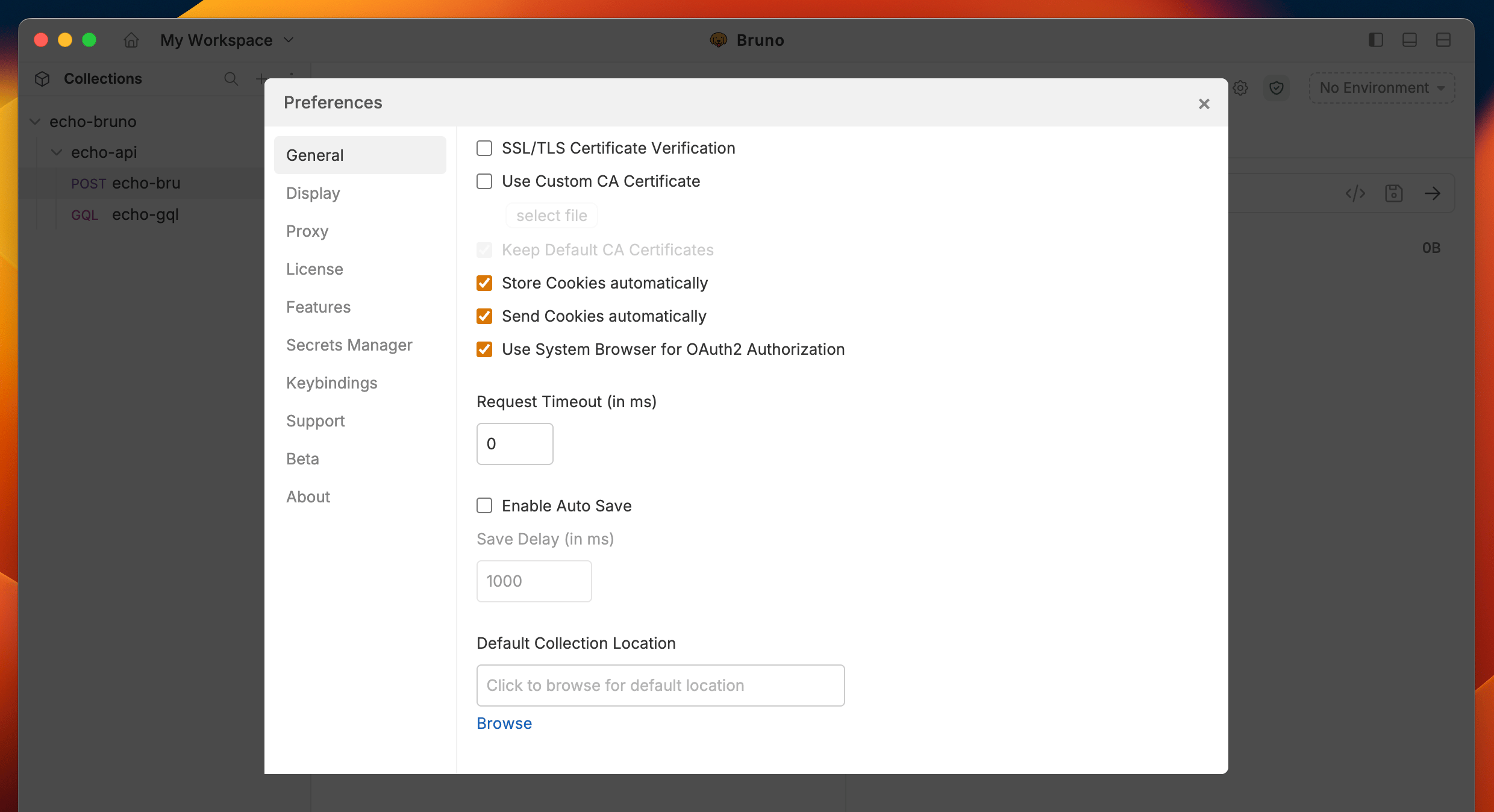
The General settings include options for SSL/TLS, Custom CA certificates, and Cookies. You can customize how cookies are handled by choosing to store and send them automatically, or simply uncheck the box if you prefer not to store cookies.
 ## Themes
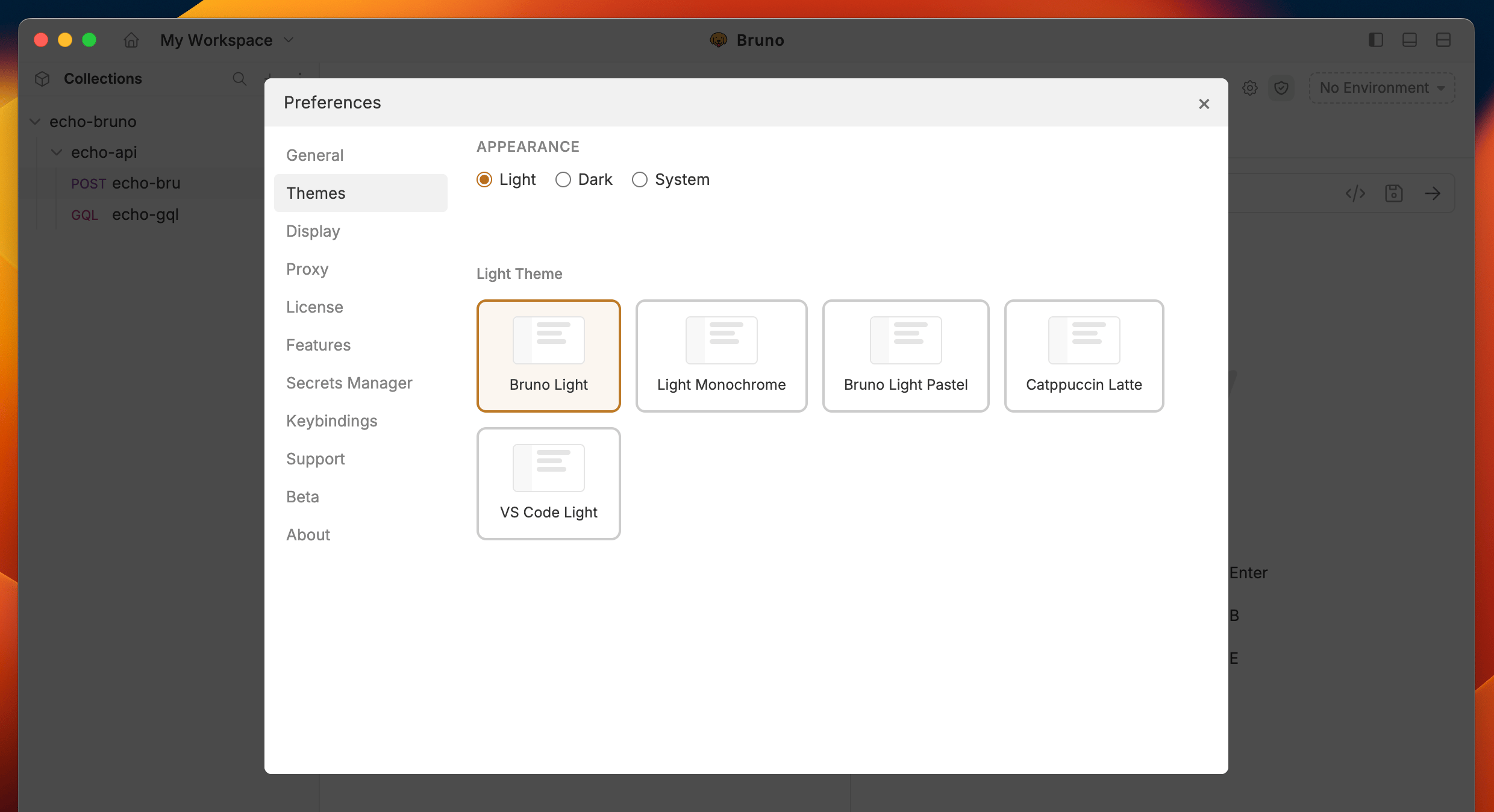
Bruno offers a variety of themes to personalize your workspace. You can choose from different color schemes to match your preference and enhance your visual experience while working with APIs.
## Themes
Bruno offers a variety of themes to personalize your workspace. You can choose from different color schemes to match your preference and enhance your visual experience while working with APIs.
 ## Display
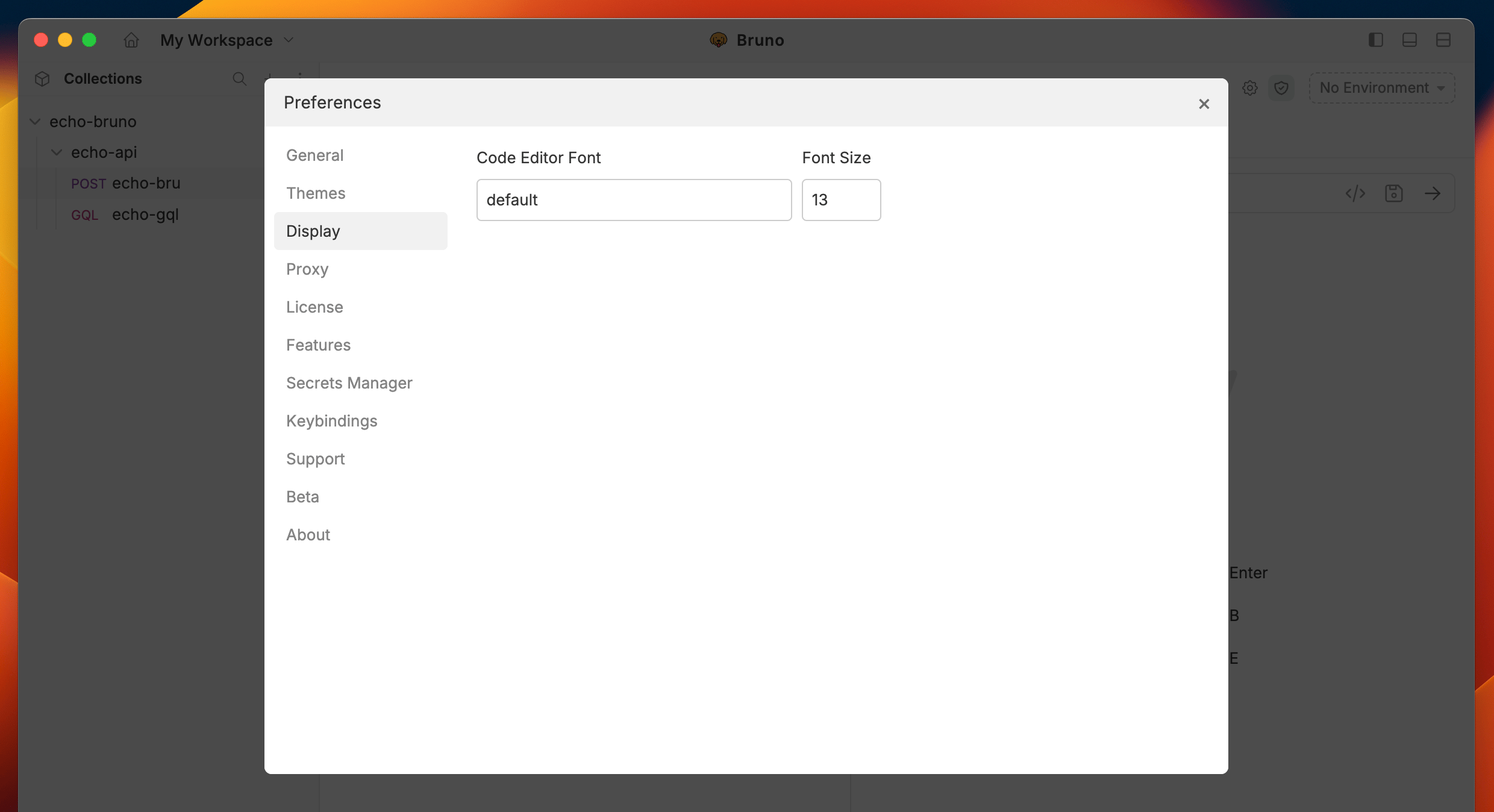
In the Display section, you can control the appearance of the Bruno, choosing between Dark, Light, or System mode, based on your preference. Additionally, you can customize the code editor font to suit your style.
## Display
In the Display section, you can control the appearance of the Bruno, choosing between Dark, Light, or System mode, based on your preference. Additionally, you can customize the code editor font to suit your style.
 ## Proxy
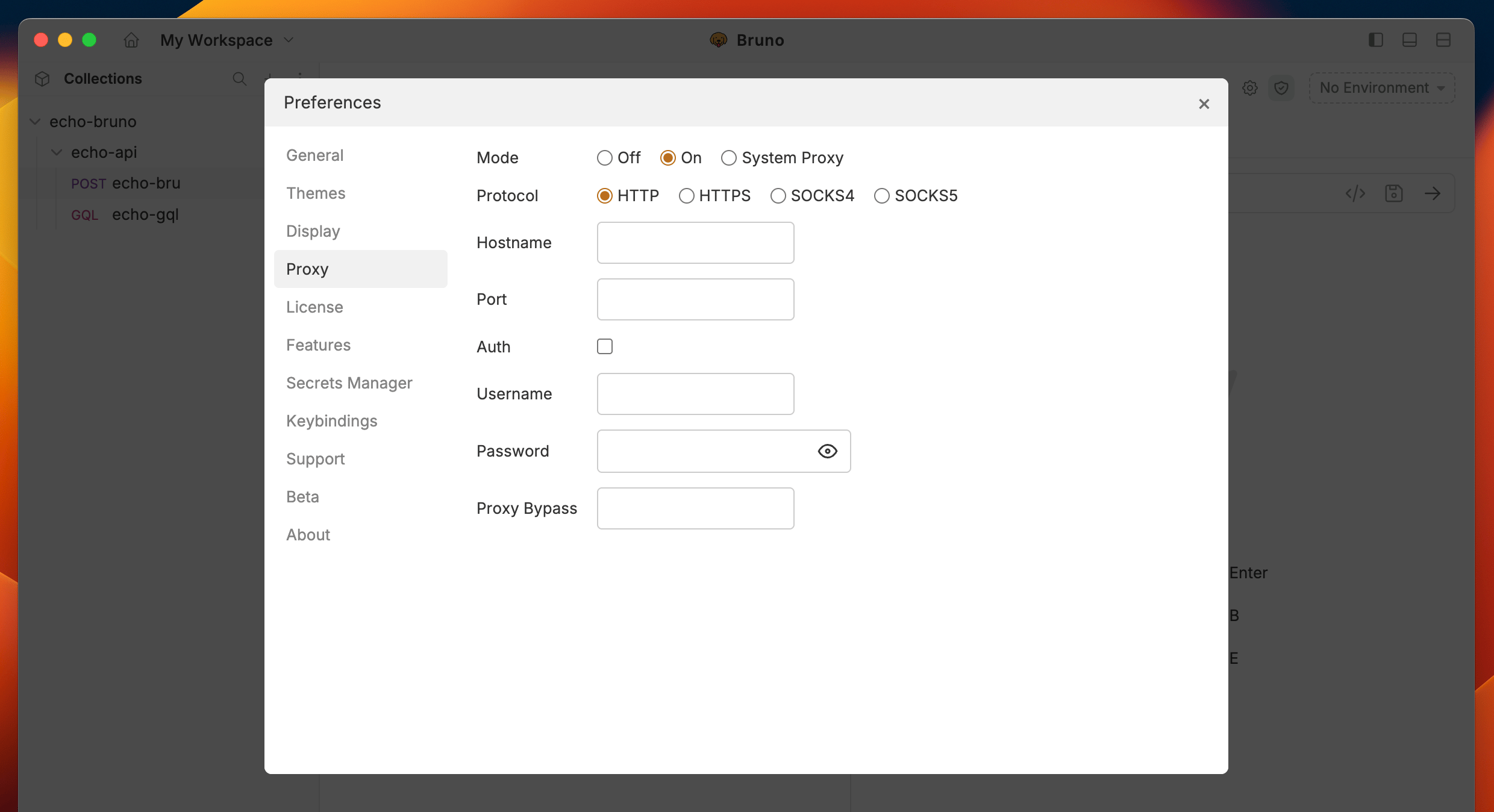
You can customize the Proxy settings by selecting On, Off, or System, depending on your needs. For more details, you can refer to the [Proxy guide here](./proxy-config) to learn more. By default, the Proxy setting is Off in Bruno.
## Proxy
You can customize the Proxy settings by selecting On, Off, or System, depending on your needs. For more details, you can refer to the [Proxy guide here](./proxy-config) to learn more. By default, the Proxy setting is Off in Bruno.
 ## License
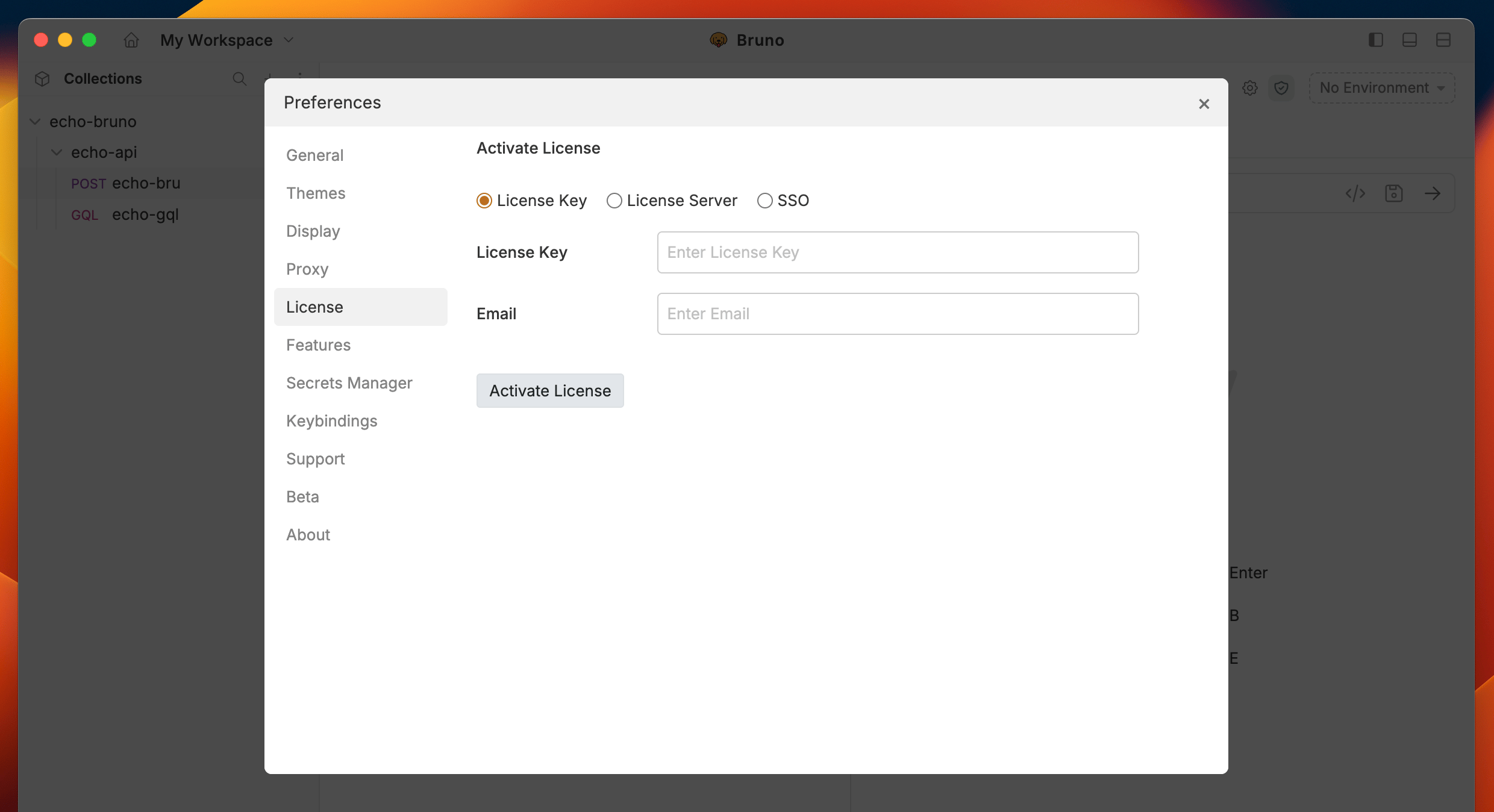
Bruno offers Ultimate and Pro plans for premium users. You can refer to the [Licensing guide](/license-management/overview) to learn more about the features and benefits of each plan.
## License
Bruno offers Ultimate and Pro plans for premium users. You can refer to the [Licensing guide](/license-management/overview) to learn more about the features and benefits of each plan.
 ## Keybindings
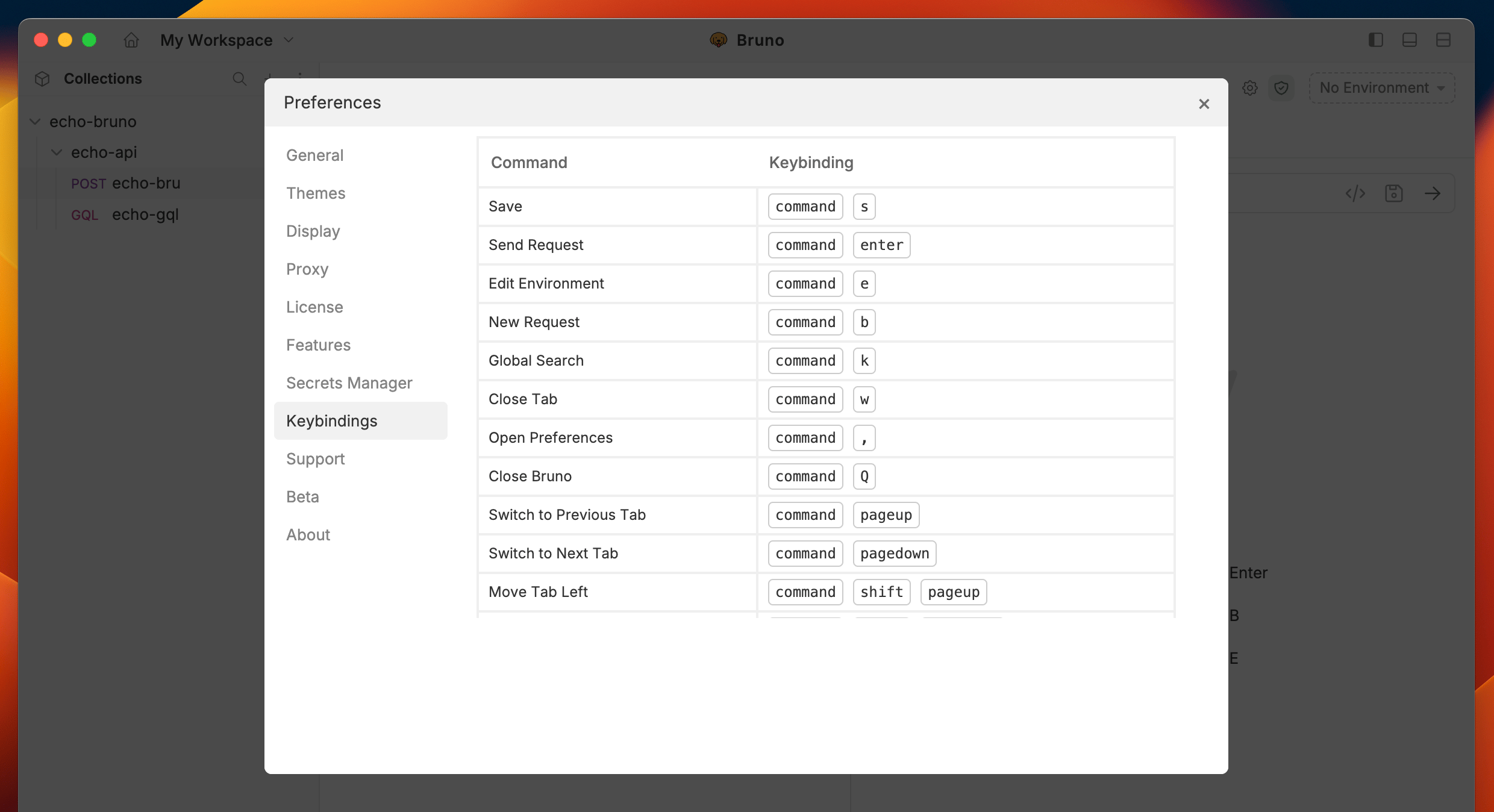
The Keybindings section lets you view, customize, and manage keyboard shortcuts in Bruno. Shortcuts are organized by category and automatically adapt to your operating system (macOS uses `⌘` while Windows/Linux uses `Ctrl`).
## Keybindings
The Keybindings section lets you view, customize, and manage keyboard shortcuts in Bruno. Shortcuts are organized by category and automatically adapt to your operating system (macOS uses `⌘` while Windows/Linux uses `Ctrl`).
 ### Default keyboard shortcuts
Below are the default keyboard shortcuts. macOS equivalents replace `Ctrl` with `⌘`.
**Tabs**
| Command | macOS | Windows / Linux |
| ------------------------- | ------------- | ------------------- |
| Close tab | `⌘ W` | `Ctrl W` |
| Close all tabs | `⌘ Shift W` | `Ctrl Shift W` |
| Save | `⌘ S` | `Ctrl S` |
| Save all tabs | `⌘ Shift S` | `Ctrl Shift S` |
| Reopen last closed tab | `⌘ Shift T` | `Ctrl Shift T` |
| Switch to tab at position | `⌘ 1` – `⌘ 8` | `Ctrl 1` – `Ctrl 8` |
| Switch to last tab | `⌘ 9` | `Ctrl 9` |
| Switch to previous tab | `⇧ ⌘ [` | `Shift Ctrl [` |
| Switch to next tab | `⇧ ⌘ ]` | `Shift Ctrl ]` |
| Move tab left | `⌘ [` | `Ctrl [` |
| Move tab right | `⌘ ]` | `Ctrl ]` |
**Sidebar**
| Command | macOS | Windows / Linux |
| ---------------- | ----- | --------------- |
| Search sidebar | `⌘ F` | `Ctrl F` |
| Copy item | `⌘ C` | `Ctrl C` |
| Paste item | `⌘ V` | `Ctrl V` |
| Clone item | `⌘ D` | `Ctrl D` |
| Rename item | `⌘ R` | `Ctrl R` |
| Collapse sidebar | `⌘ \` | `Ctrl \` |
**Requests**
| Command | macOS | Windows / Linux |
| ------------------ | --------- | --------------- |
| Send request | `⌘ Enter` | `Ctrl Enter` |
| Change orientation | `⌘ J` | `Ctrl J` |
**Collections and environment**
| Command | macOS | Windows / Linux |
| ----------------- | ----- | --------------- |
| Import collection | `⌘ O` | `Ctrl O` |
| Edit environment | `⌘ E` | `Ctrl E` |
| New request | `⌘ N` | `Ctrl N` |
**Search**
| Command | macOS | Windows / Linux |
| ------------- | ----- | --------------- |
| Global search | `⌘ K` | `Ctrl K` |
**View**
| Command | macOS | Windows / Linux |
| ---------- | ----- | --------------- |
| Zoom in | `⌘ =` | `Ctrl =` |
| Zoom out | `⌘ -` | `Ctrl -` |
| Reset zoom | `⌘ 0` | `Ctrl 0` |
**Developer tool**
| Command | macOS | Windows / Linux |
| ---------------- | ----- | --------------- |
| Open in terminal | `⌘ T` | `Ctrl T` |
**Others**
| Command | macOS | Windows / Linux |
| ---------------- | ----- | --------------- |
| Open preferences | `⌘ ,` | `Ctrl ,` |
| Close Bruno | `⌘ Q` | `Ctrl Shift Q` |
### Customizing keybindings
You can remap most keyboard shortcuts to your preferred key combinations.
1. Open **Preferences** > **Keybindings**.
2. Click on the row of the shortcut you want to change.
3. Press your desired key combination. Bruno validates the input in real time and shows an error if the combination is invalid (for example, if it conflicts with another shortcut or is reserved by the OS).
4. Release the keys to save. A checkmark confirms the change was applied.
To clear a shortcut while editing, press `Backspace` or `Delete`, then enter a new combination.
Some shortcuts are marked as read-only (indicated by a lock icon) and cannot be remapped.
### Resetting keybindings
* **Reset a single shortcut** — hover over a customized shortcut and click the reset icon that appears to restore it to the default value.
* **Reset all shortcuts** — click the **Reset Default** button at the top of the keybindings panel to restore all shortcuts to their defaults.
### Disabling keybindings
Use the toggle at the top of the keybindings panel to enable or disable all keyboard shortcuts at once. When disabled, the shortcut table is grayed out and no shortcuts are active.
## Secrets
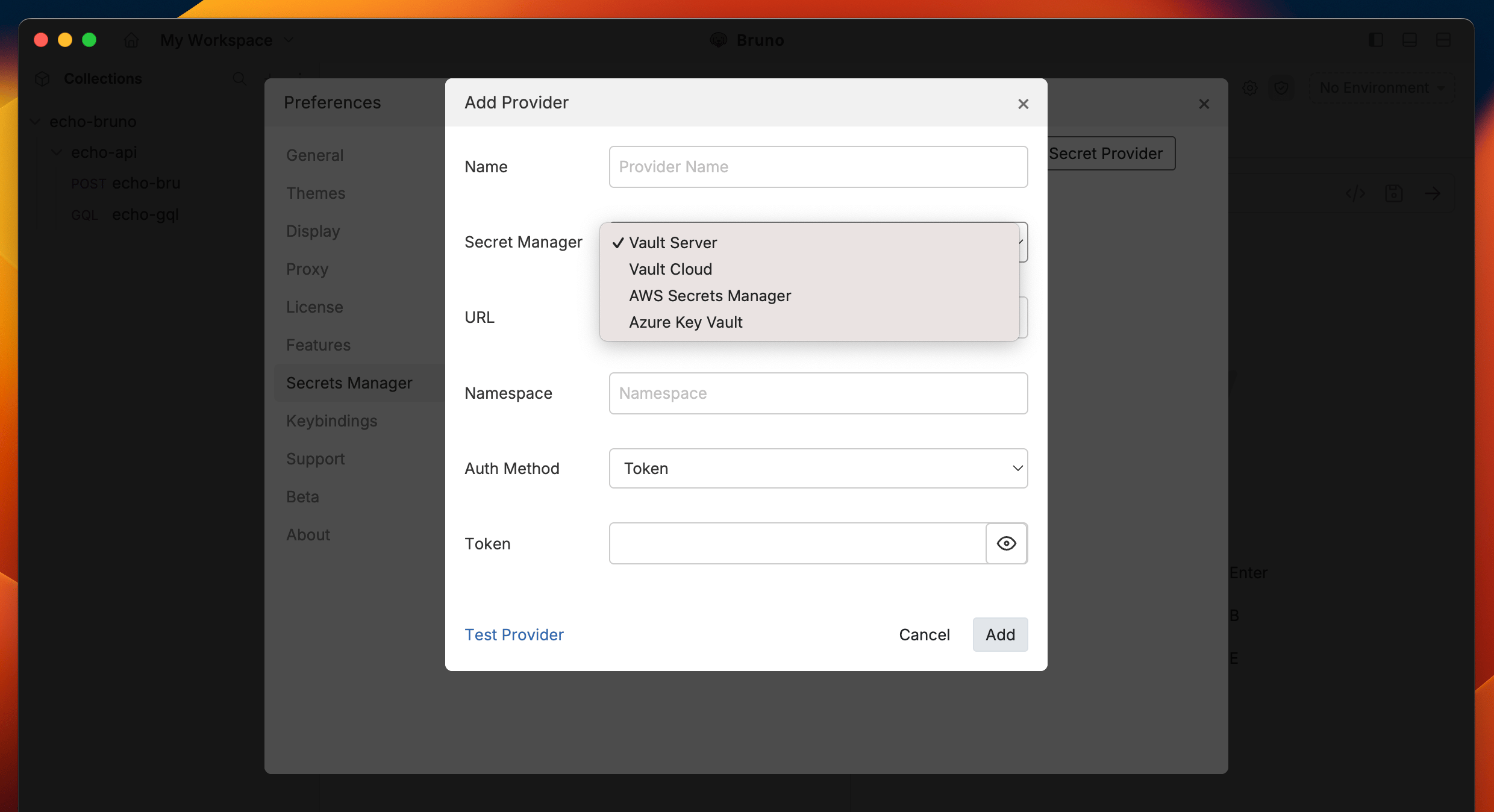
There are three primary ways to manage secrets in Bruno, which you can learn about in the [Secret Management Overview](/secrets-management/overview).
This setting controls the integration with a Vault for secret management, which is available in Bruno **Ultimate Edition**.
### Default keyboard shortcuts
Below are the default keyboard shortcuts. macOS equivalents replace `Ctrl` with `⌘`.
**Tabs**
| Command | macOS | Windows / Linux |
| ------------------------- | ------------- | ------------------- |
| Close tab | `⌘ W` | `Ctrl W` |
| Close all tabs | `⌘ Shift W` | `Ctrl Shift W` |
| Save | `⌘ S` | `Ctrl S` |
| Save all tabs | `⌘ Shift S` | `Ctrl Shift S` |
| Reopen last closed tab | `⌘ Shift T` | `Ctrl Shift T` |
| Switch to tab at position | `⌘ 1` – `⌘ 8` | `Ctrl 1` – `Ctrl 8` |
| Switch to last tab | `⌘ 9` | `Ctrl 9` |
| Switch to previous tab | `⇧ ⌘ [` | `Shift Ctrl [` |
| Switch to next tab | `⇧ ⌘ ]` | `Shift Ctrl ]` |
| Move tab left | `⌘ [` | `Ctrl [` |
| Move tab right | `⌘ ]` | `Ctrl ]` |
**Sidebar**
| Command | macOS | Windows / Linux |
| ---------------- | ----- | --------------- |
| Search sidebar | `⌘ F` | `Ctrl F` |
| Copy item | `⌘ C` | `Ctrl C` |
| Paste item | `⌘ V` | `Ctrl V` |
| Clone item | `⌘ D` | `Ctrl D` |
| Rename item | `⌘ R` | `Ctrl R` |
| Collapse sidebar | `⌘ \` | `Ctrl \` |
**Requests**
| Command | macOS | Windows / Linux |
| ------------------ | --------- | --------------- |
| Send request | `⌘ Enter` | `Ctrl Enter` |
| Change orientation | `⌘ J` | `Ctrl J` |
**Collections and environment**
| Command | macOS | Windows / Linux |
| ----------------- | ----- | --------------- |
| Import collection | `⌘ O` | `Ctrl O` |
| Edit environment | `⌘ E` | `Ctrl E` |
| New request | `⌘ N` | `Ctrl N` |
**Search**
| Command | macOS | Windows / Linux |
| ------------- | ----- | --------------- |
| Global search | `⌘ K` | `Ctrl K` |
**View**
| Command | macOS | Windows / Linux |
| ---------- | ----- | --------------- |
| Zoom in | `⌘ =` | `Ctrl =` |
| Zoom out | `⌘ -` | `Ctrl -` |
| Reset zoom | `⌘ 0` | `Ctrl 0` |
**Developer tool**
| Command | macOS | Windows / Linux |
| ---------------- | ----- | --------------- |
| Open in terminal | `⌘ T` | `Ctrl T` |
**Others**
| Command | macOS | Windows / Linux |
| ---------------- | ----- | --------------- |
| Open preferences | `⌘ ,` | `Ctrl ,` |
| Close Bruno | `⌘ Q` | `Ctrl Shift Q` |
### Customizing keybindings
You can remap most keyboard shortcuts to your preferred key combinations.
1. Open **Preferences** > **Keybindings**.
2. Click on the row of the shortcut you want to change.
3. Press your desired key combination. Bruno validates the input in real time and shows an error if the combination is invalid (for example, if it conflicts with another shortcut or is reserved by the OS).
4. Release the keys to save. A checkmark confirms the change was applied.
To clear a shortcut while editing, press `Backspace` or `Delete`, then enter a new combination.
Some shortcuts are marked as read-only (indicated by a lock icon) and cannot be remapped.
### Resetting keybindings
* **Reset a single shortcut** — hover over a customized shortcut and click the reset icon that appears to restore it to the default value.
* **Reset all shortcuts** — click the **Reset Default** button at the top of the keybindings panel to restore all shortcuts to their defaults.
### Disabling keybindings
Use the toggle at the top of the keybindings panel to enable or disable all keyboard shortcuts at once. When disabled, the shortcut table is grayed out and no shortcuts are active.
## Secrets
There are three primary ways to manage secrets in Bruno, which you can learn about in the [Secret Management Overview](/secrets-management/overview).
This setting controls the integration with a Vault for secret management, which is available in Bruno **Ultimate Edition**.
 ## Support
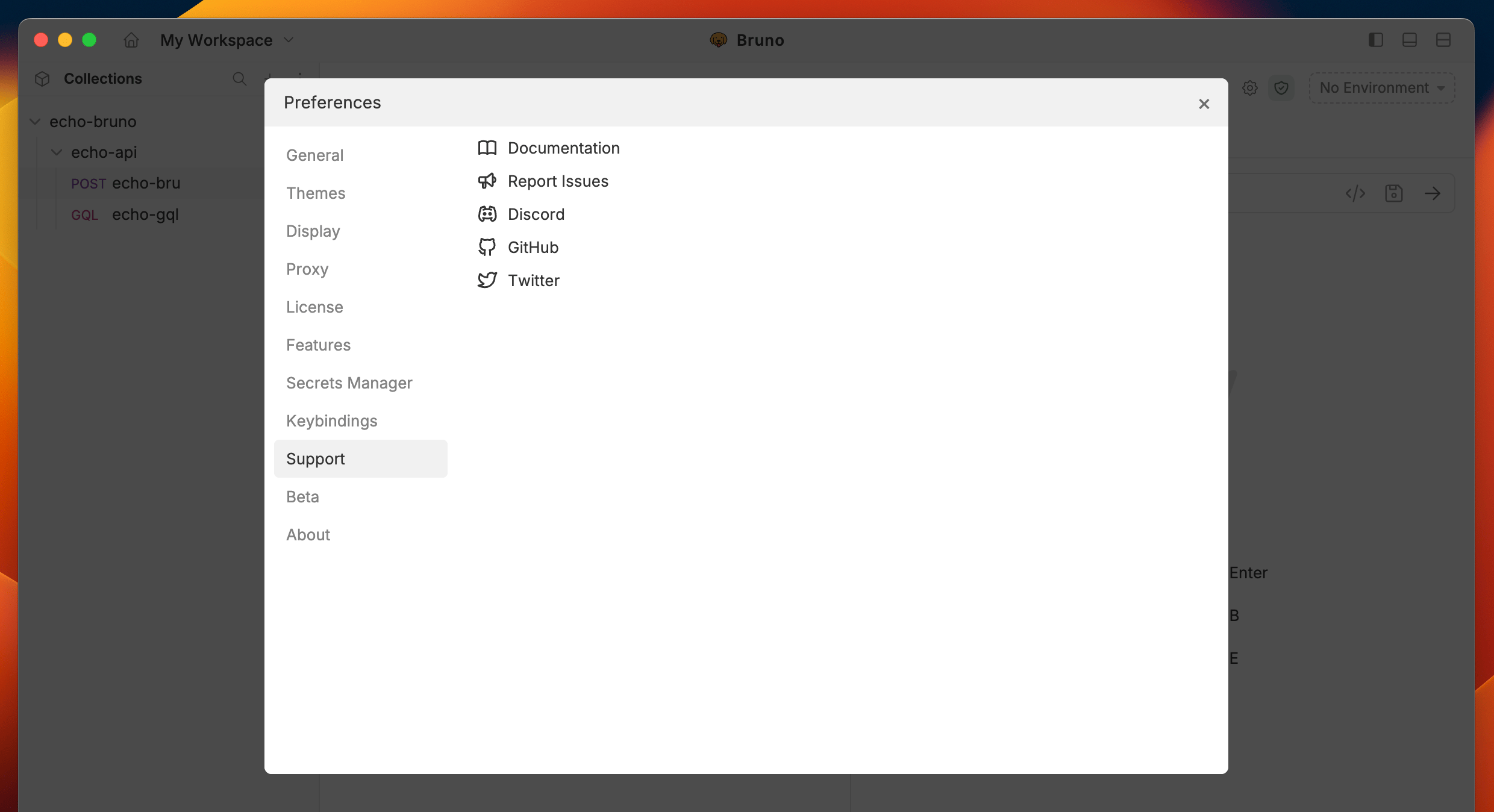
If you encounter issues or need assistance, you can access a range of troubleshooting resources to help resolve your problem quickly.
## Support
If you encounter issues or need assistance, you can access a range of troubleshooting resources to help resolve your problem quickly.
 ## About
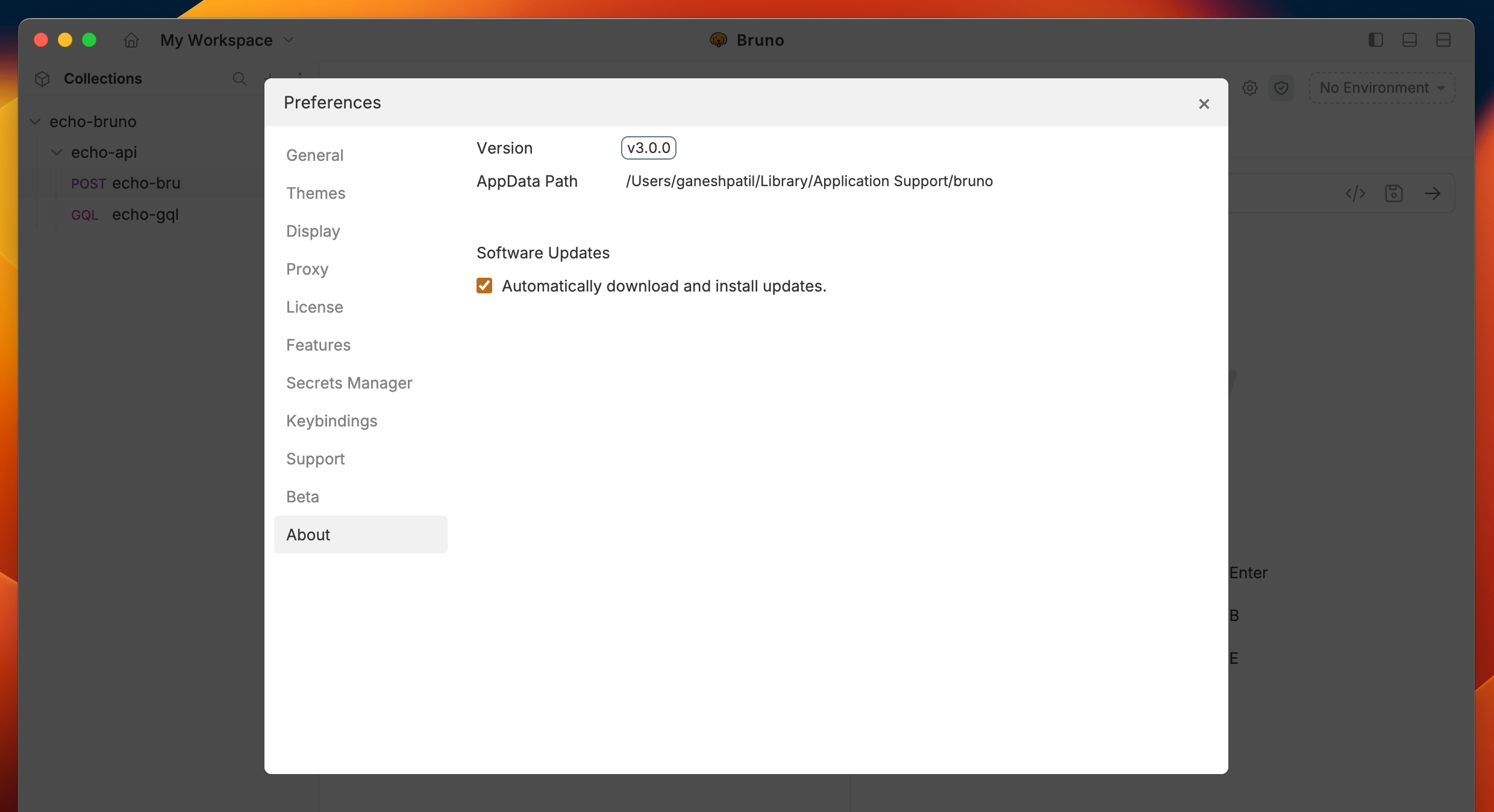
View application details and enable the auto-update feature to keep your app up to date automatically.
## About
View application details and enable the auto-update feature to keep your app up to date automatically.